
Setups for How to Obtain a U of U Student Windows 11 License Upgrade
- Go to this link provided by UIT. Follow the instructions to login and get your Windows 11 Education Key.
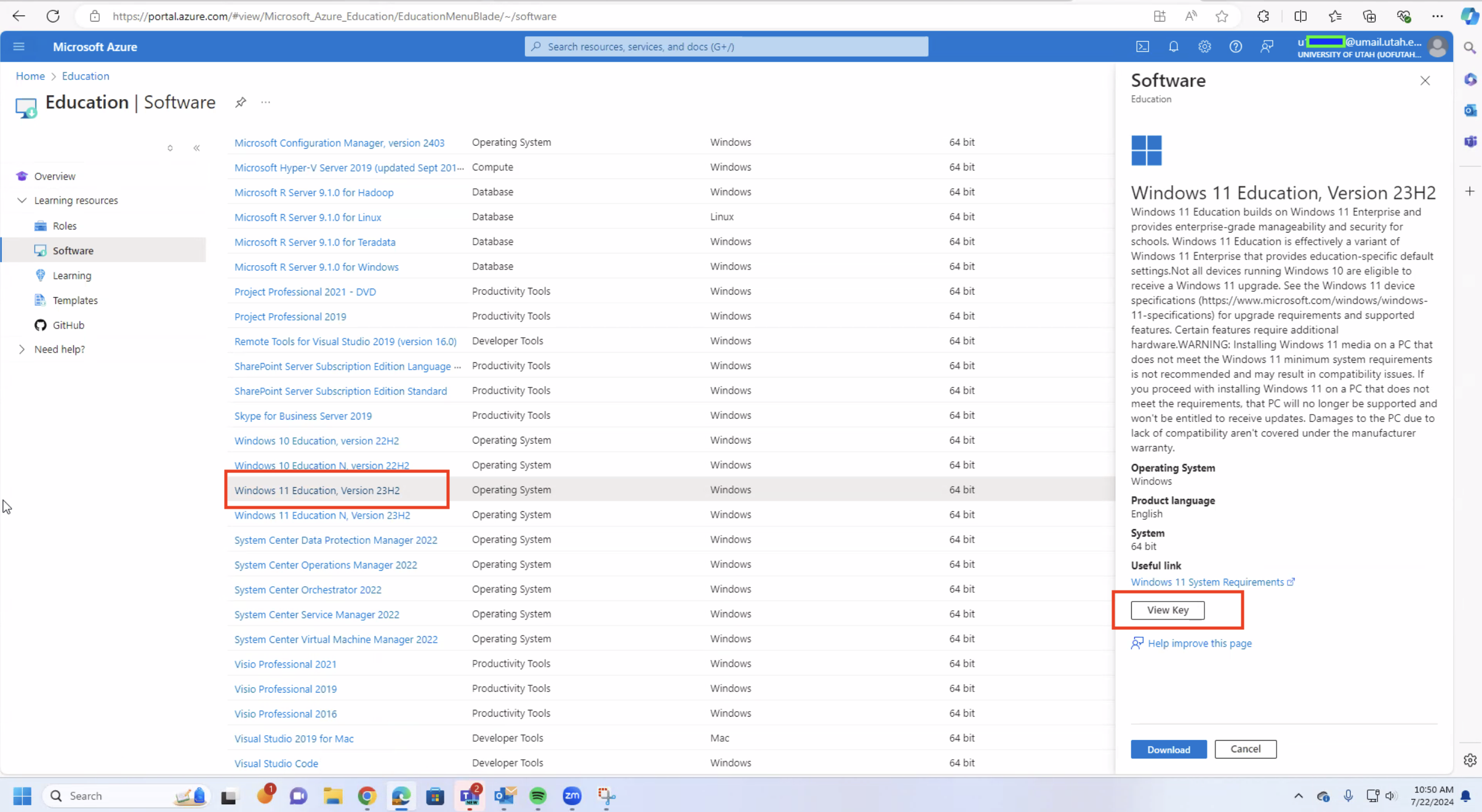
- Once you activate your student Azure account, you should be able to search for “Windows 11 Education, Version 23H2” within Home > Education > Software
- Select it and View Key. Please screenshot or save the key for use later.
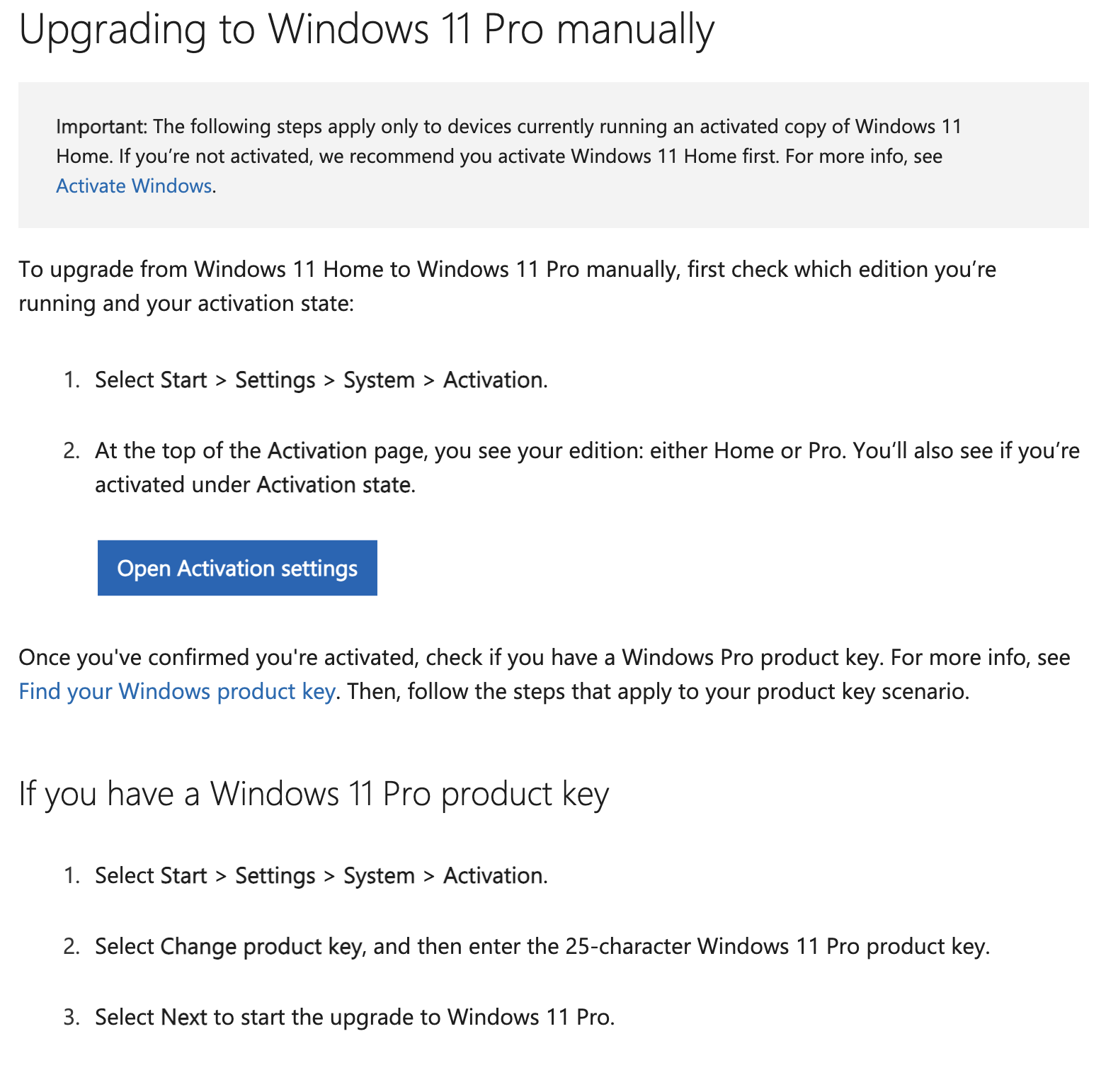
4. Once you have your license key follow the Microsoft Steps to upgrade your OS to the Education version. Follow the “Upgrading to Windows 11 Pro manually” steps (They are the same steps for Education)
5. Once you have upgraded to Windows 11 Education you can return to the encryption steps: /encryption/how-to-install-bitlocker-for-windows-10-and-11/